Getting Help – PARAM Rudra Support
We suggest that you please refer to these four easy steps to generate a Ticket related to the issue you are experiencing.
Your Ticket will be assisted by the Rudra Support team. The ticket generated will be closed only when the related issue gets resolved.
You can generate a new ticket for any of the new issues that you are experiencing.
Steps to Create a New Ticket
- Place the URL https://paramrudra.iitb.ac.in/support in your browser.
- On the right-top corner of the page click Sign In. Refer to Fig: 36 for the same.
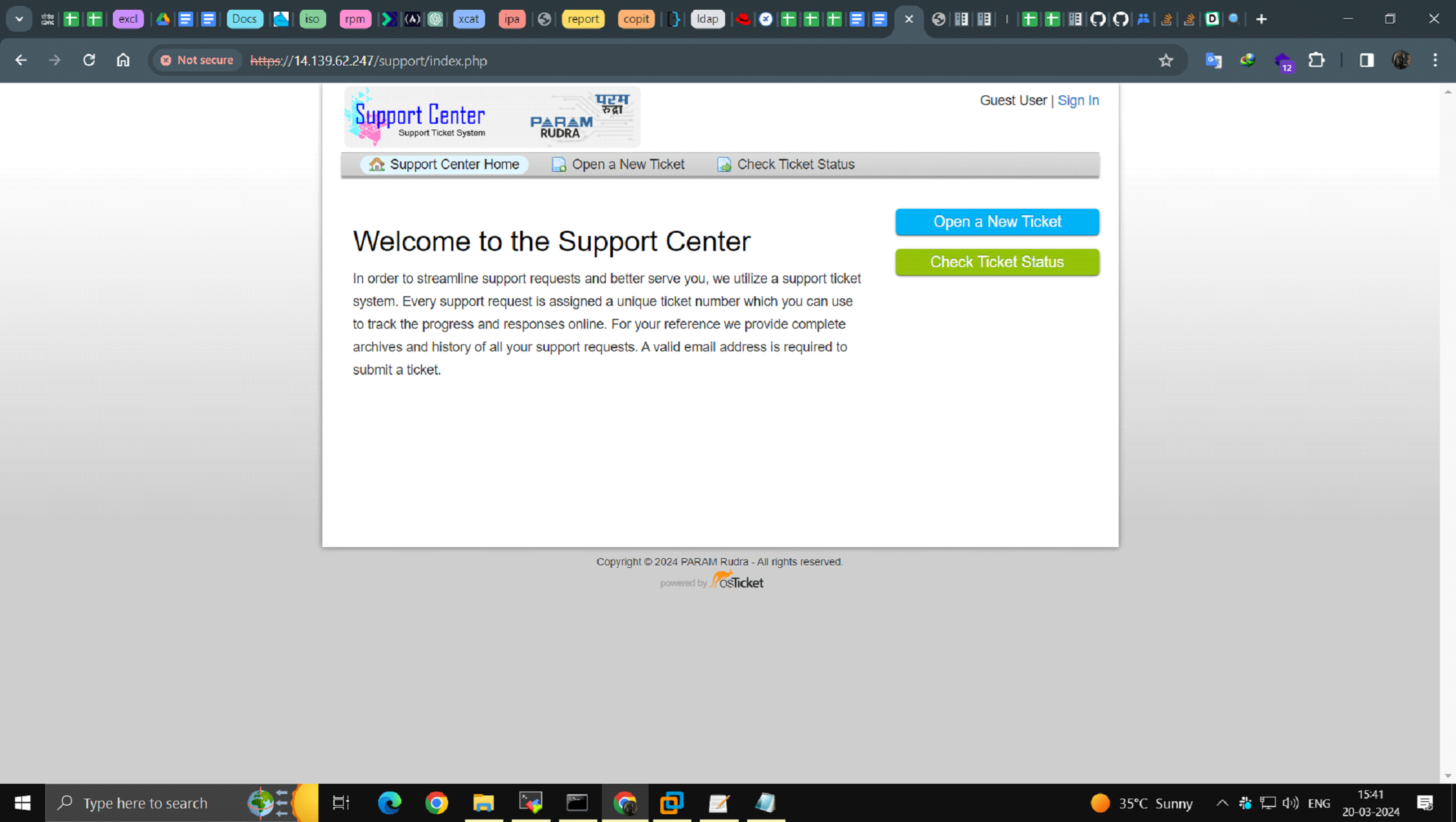
Figure 40 – Snapshot of Ticketing System
- Sign in by using the Username and Password that you use for logging to the Cluster. Refer to Fig37 for the same.
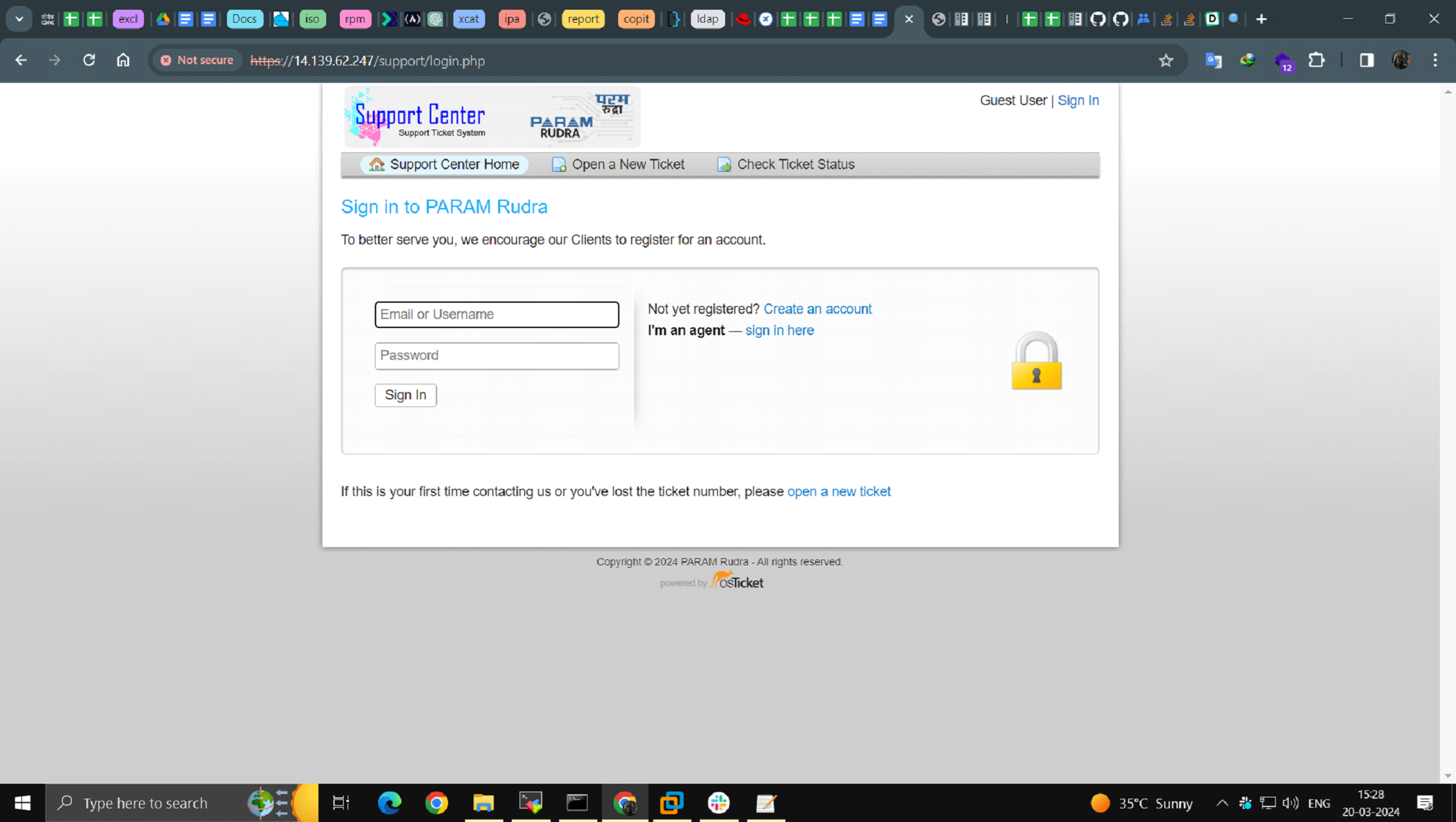
Figure 41- Snapshot of Ticketing System
- Select a Help Topic from the Dropdown and then Click on Create Ticket. Refer to Fig:38 for the same
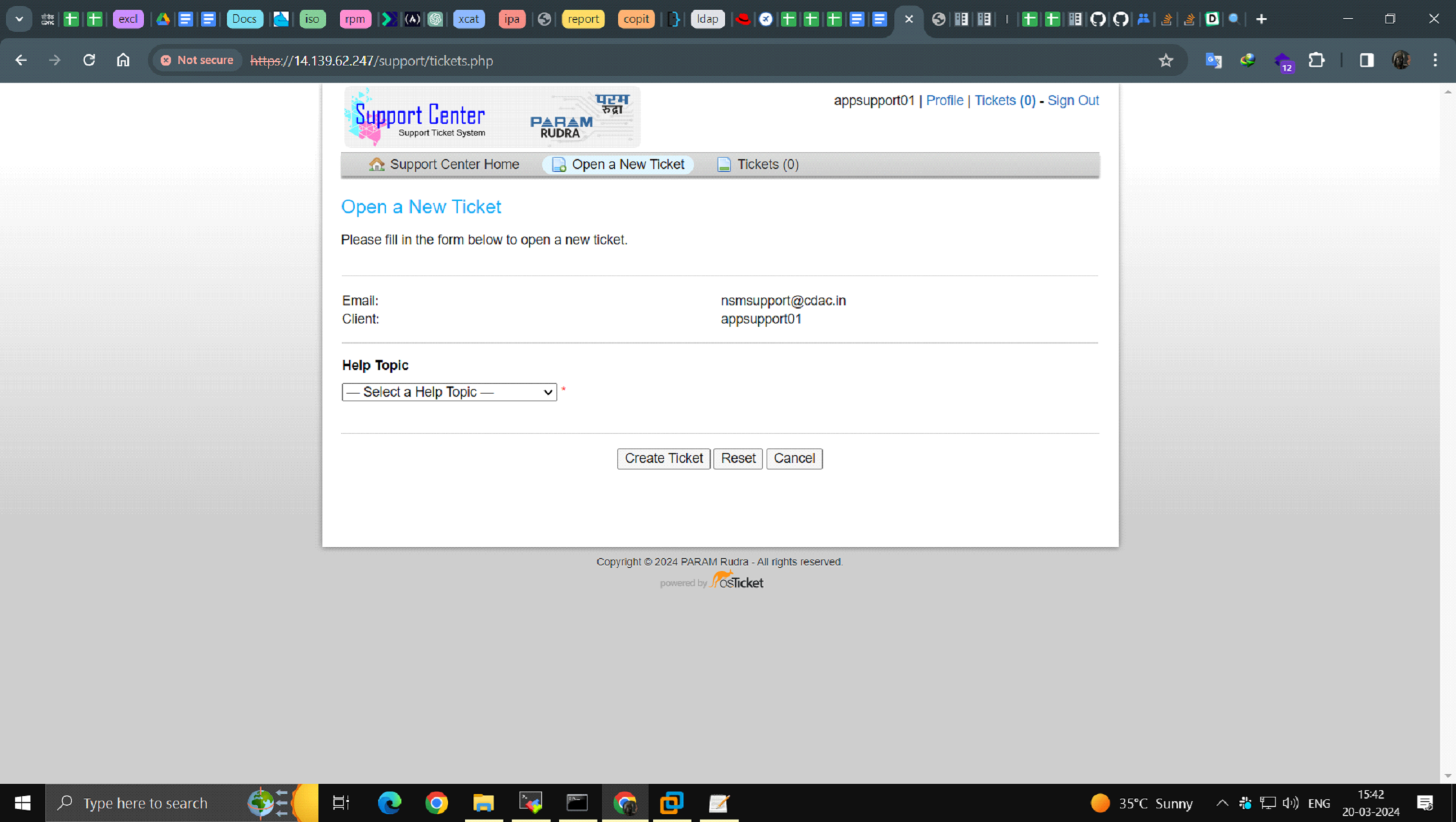
Figure 42 - Snapshot of Ticketing System
- Please fill in the details of your issue in the fields given and then click on Create ticket.
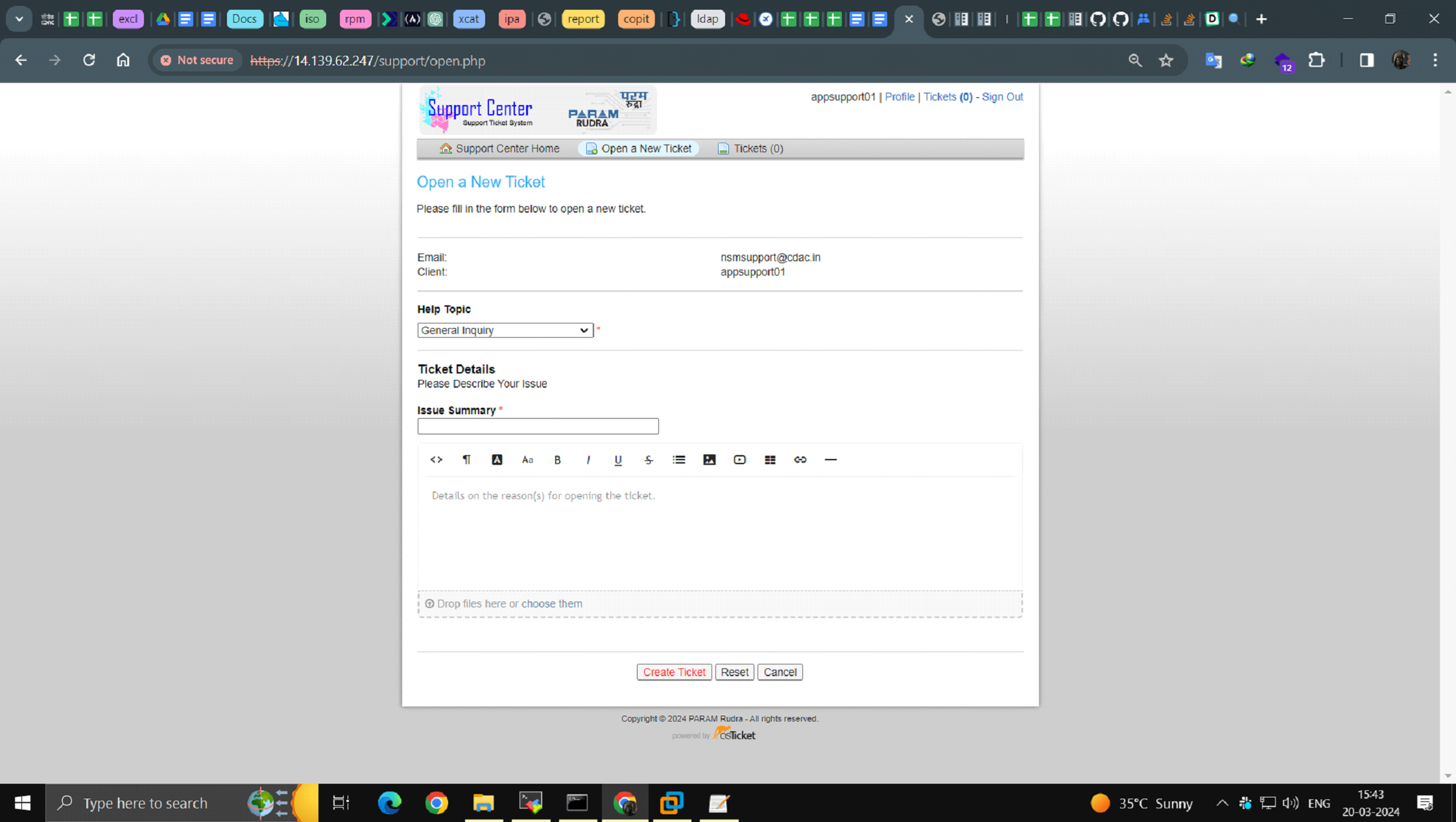
Figure 43 - Snapshot of Ticketing System
Once the Ticket is generated, an acknowledgement e-mail will be sent to your official e-mail address. The e-mail will also contain the Ticket number along with reference to the ticket that you have generated.
In case of any difficulty while accessing Rudra Support you can reach us via e-mail at rudrasupport@iitb.ac.in